Why Python Is Harder to Type Than It Looks
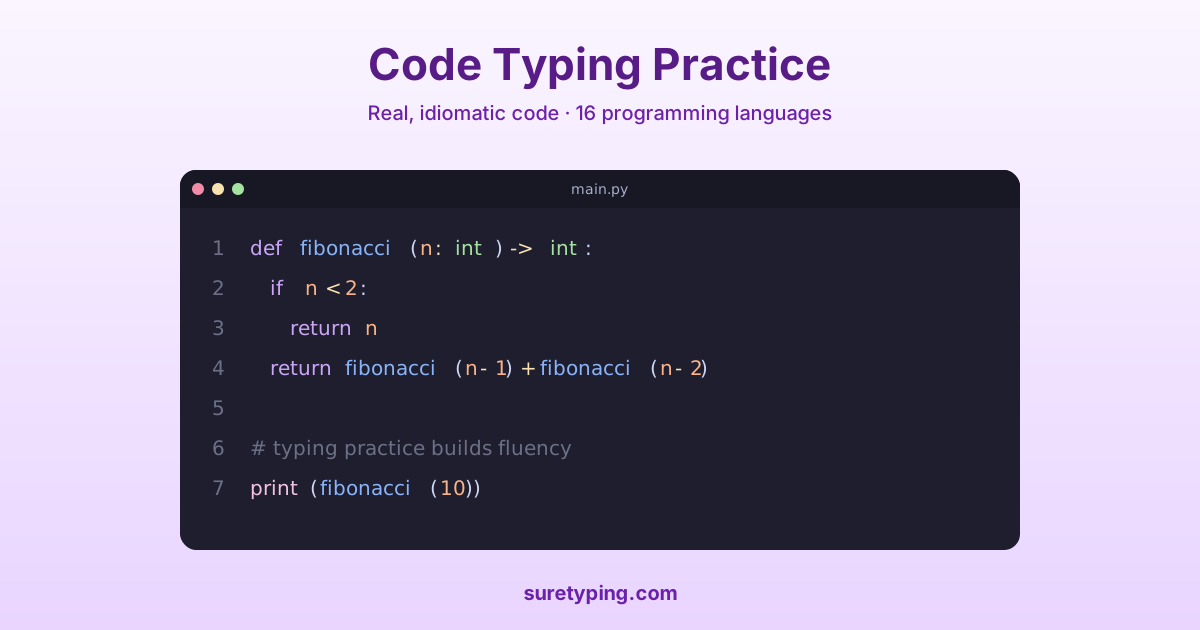
Prose typists rarely hit keys like `_`, `:`, `[`, `]`, or `{` with any frequency. Python hits them on almost every line. The colon at the end of `def`, `class`, `if`, `for`, and `with`. The square brackets on every index and slice. The underscores that Python's snake_case convention makes unavoidable. Each of these requires a modifier key, a weak finger, or both — and generic typing practice builds none of the motor patterns that make them fast.
The result is that a developer who types prose at 80 WPM often drops to 45 or 50 WPM on real Python code. That gap is pure technique, and technique is trainable.
The Four Weak-Spot Categories in Python
Almost every Python typist has one or more of these specific weaknesses. Identify which ones slow you down and train them first:
- Underscore reach — especially consecutive underscores in dunder methods (`__init__`, `__repr__`)
- Colon-at-end-of-line — forgetting to hit shift for `:` and typing `;` instead
- Bracket pairs — `[` and `]` at the ends of the number row where pinkies are slowest
- Triple-quoted strings — `"""` sequences for docstrings
How to Drill Each Weak Spot
For underscores, the fastest fix is rhythm practice on the specific sequences. The Python symbols lesson drills `_`, `__`, `__init__`, and `self._` as repeated rhythm patterns until the right-pinky reach is automatic. Do not skip this — underscore speed is the single largest bottleneck for most Python typists.
For colons at line endings, practice complete declarations rather than isolated symbols. The Python declarations lesson drills `def`, `class`, and `for` headers as complete units ending in a colon. After a few sessions your fingers will not forget the colon.
For brackets, the fix is rhythm on the full pair `[0]`, `[i]`, `[-1]` rather than the brackets alone. The idioms lesson strings together common indexing patterns like `nums[i]`, `results[-1]`, `data[start:end]` to build that chunked motor pattern.
Why Real Code Snippets Beat Random Text
The biggest mistake Python learners make is practicing on generic typing tests. Those tests give you common English words — 'the', 'and', 'is', 'a' — which have nothing to do with Python. What transfers to real coding speed is practice on actual Python: functions you might write, comprehensions you might read, idiomatic one-liners you reach for every day.
The Python real snippet lesson and Python mastery sprint are built around working Python code — the kind you would actually find in a project. That is where the motor patterns you learned in isolation lock into real-world speed.
A Four-Week Python Typing Plan
Week 1: 10 minutes per day on the symbols and keywords lessons. Accuracy over speed. Goal: 97% accuracy on underscores and colons.
Week 2: Add declarations and control flow. You should start to feel Python headers as single motor units.
Week 3: Add functions and idioms. This is where speed on real Python starts to climb noticeably.
Week 4: Real snippets and mastery sprint every session. By the end of the week you should be typing real Python within 5 WPM of your prose speed — which is the goal.