What the Kira written response is actually testing
The Kira Talent platform is used by business schools, health programs, and professional schools around the world to record short video and written responses from candidates. The written portion usually gives you a brief window to read a prompt and then a fixed window to type a response. Most programs set the writing window between three and five minutes, and the prompt is only revealed once the clock starts.
What the admissions reader is trying to see is not just grammar or speed. They are looking for the quality of your thinking under the same kind of pressure you would face in a seminar, a rounds discussion, or a client meeting. That means clarity of structure, a point of view, and enough specific detail to sound like a real person and not a template.
The mechanical barrier to all of that is typing. If you spend half of your four minutes hunting for the right keys, you simply cannot get a structured argument down. Typing practice for Kira is not about hitting a flashy words-per-minute number. It is about clearing the mechanical tax so your brain can spend its time on the thinking.
How fast do you really need to type?
A reasonable target for a typical four-minute Kira written response is a finished answer between 180 and 260 words. That range reads as substantive without feeling padded, and it gives you room for an opening line, two or three supporting points, and a short close.
If you want to actually type 220 words in four minutes and still have time to think and edit, you cannot type at 220 / 4 = 55 words per minute of raw speed. You need headroom. A realistic working speed of 55 to 65 WPM on unfamiliar prose, with at least 95 percent accuracy, leaves you roughly 90 seconds of non-typing time across the response to plan and adjust.
Candidates who sit closer to 35 WPM can absolutely still do well on Kira, but they need a different strategy: shorter sentences, less editing, and a pre-rehearsed skeleton they drop their ideas into. Practicing with the Kira typing prep track helps you find your personal sweet spot before test day.
Build the vocabulary you will actually use
One of the reasons Kira responses stall is that the candidate knows what they want to say but freezes on a specific word. High-frequency admissions vocabulary shows up again and again: words like initiative, stakeholder, trade-off, constraint, rationale, accountability, context, and outcome. If your fingers already know these words as muscle memory, you stop losing seconds on every other line.
The Kira vocab lesson drills exactly this list. It is deliberately boring. You type the same 40 to 60 high-yield admissions words in rotation until the patterns are automatic. By the end, phrases like 'the primary trade-off' or 'my stakeholders were' come out in a single burst.
Pair the vocab drill with the Kira stems lesson, which focuses on opening and transition phrases. Stems are the glue of a response under time pressure: 'The core issue here is,' 'What I would do first is,' 'The main constraint was.' Having five or six of these available without thinking frees you to focus on the content.
A structure that survives the clock
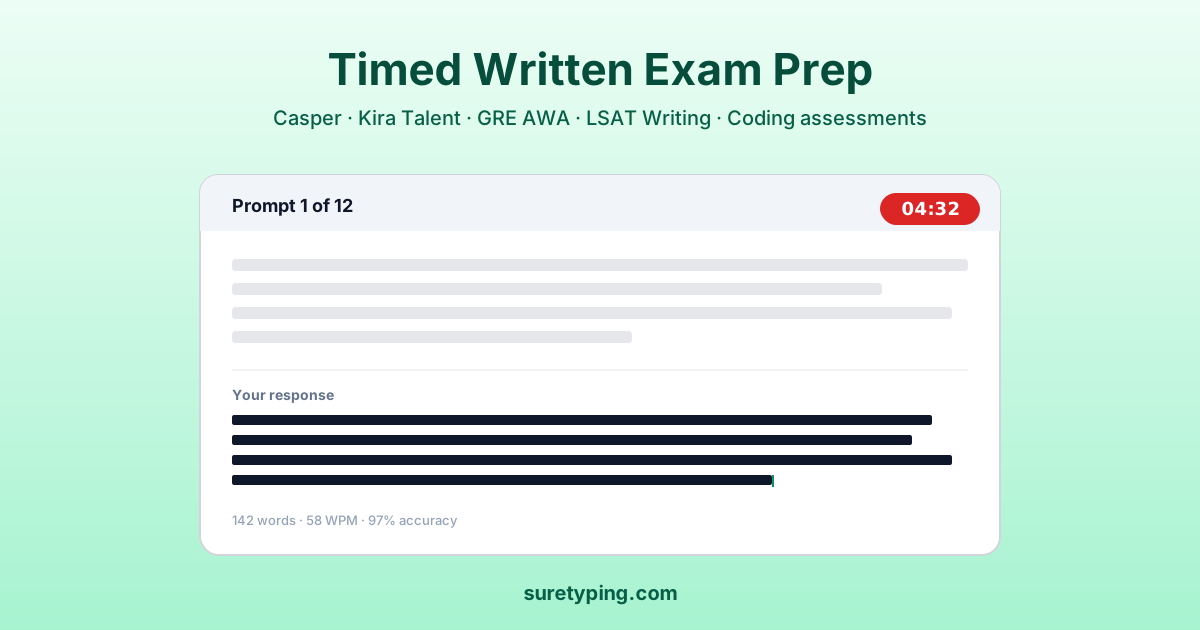
When the timer starts, the temptation is to freewrite. Don't. A light structure costs almost nothing to execute and instantly lifts the quality of your response. The structure I recommend for a four-minute Kira window has four moves: frame, position, evidence, close.
Frame means one sentence that restates the situation in your own words. Position is one sentence that states your actual view. Evidence is two or three sentences with a specific example, constraint, or trade-off. Close is one sentence that ties back to the frame or to implications going forward. That is it. Five to seven sentences total, 180 to 240 words.
Drilling this under a live clock is what the Kira short-form lesson 1 and short-form lesson 2 are built around. You type responses to generic, non-Kira prompts with the same structure and the same word budget, over and over, until the shape becomes reflexive.
Drills that mirror the real format
The closer your practice looks to the real thing, the better it transfers. That means single-shot drills, not casual warm-ups. Sit down, start a clock, read a prompt you have never seen before, and type a full response without looking back at the prompt once you start typing.
The Kira medium-length lesson extends the window to closer to five minutes, which some programs use. The Kira full simulation pulls the whole experience together: prompt reveal, countdown, response, and immediate feedback on speed and accuracy.
Try to do at least one full simulation a day in the week before your real attempt. Two a day is better if your hands can tolerate it. Rest days matter too; typing fatigue is a real thing and it can sandbag accuracy in ways that do not show up until you are already under the real clock.
Common failure modes and how to fix them
The three most common ways a Kira written response goes sideways are: starting to type before you know what you are going to say, backspacing too much in the middle of a sentence, and running out of time before you close the argument. Each has a specific fix.
If you tend to start typing too early, force yourself to spend the first 20 seconds on a single sentence of mental framing before touching the keyboard. If you backspace compulsively, practice with a 'no-back' drill in the Kira short-form lessons where you simply are not allowed to use the backspace key. If you run out of time, it is almost always because your middle paragraph ballooned; cap your evidence block at three sentences no matter what.
Keep a tiny log after each practice attempt. Just three lines: final word count, WPM, and the one thing that went wrong. Patterns show up fast. Most people discover they have one specific weakness that shows up in every run, and targeting it directly produces bigger gains than grinding generic speed drills.
- Do not start typing until you can say your position in one sentence out loud.
- Cap your evidence block at three sentences, no matter how good the example is.
- Keep a log of WPM, accuracy, and one failure mode per attempt.
- Run at least one full simulation per day in the final week.
- Rest your hands the day before the real response to protect accuracy.
What good looks like on test day
On the day of your real Kira session, you should feel slightly bored by the format. Your fingers should know the vocabulary. The structure should be so familiar that you are not thinking about it. The only thing that should require active thought is the specific content of the prompt you just read.
If that describes you, your typing prep has done its job. You will have roughly the same raw minutes as everyone else, but because you are not paying a mechanical tax on every word, you will spend those minutes on thinking, not hunting. That is the entire advantage.
When you are ready to build that advantage from scratch, start with the Kira typing prep track and work through the ordered lessons. Or, if you want to keep your typing general while still preparing, the broader lessons library and the adaptive AI practice will get you the underlying speed you can then apply to any format.